Business card print checklist
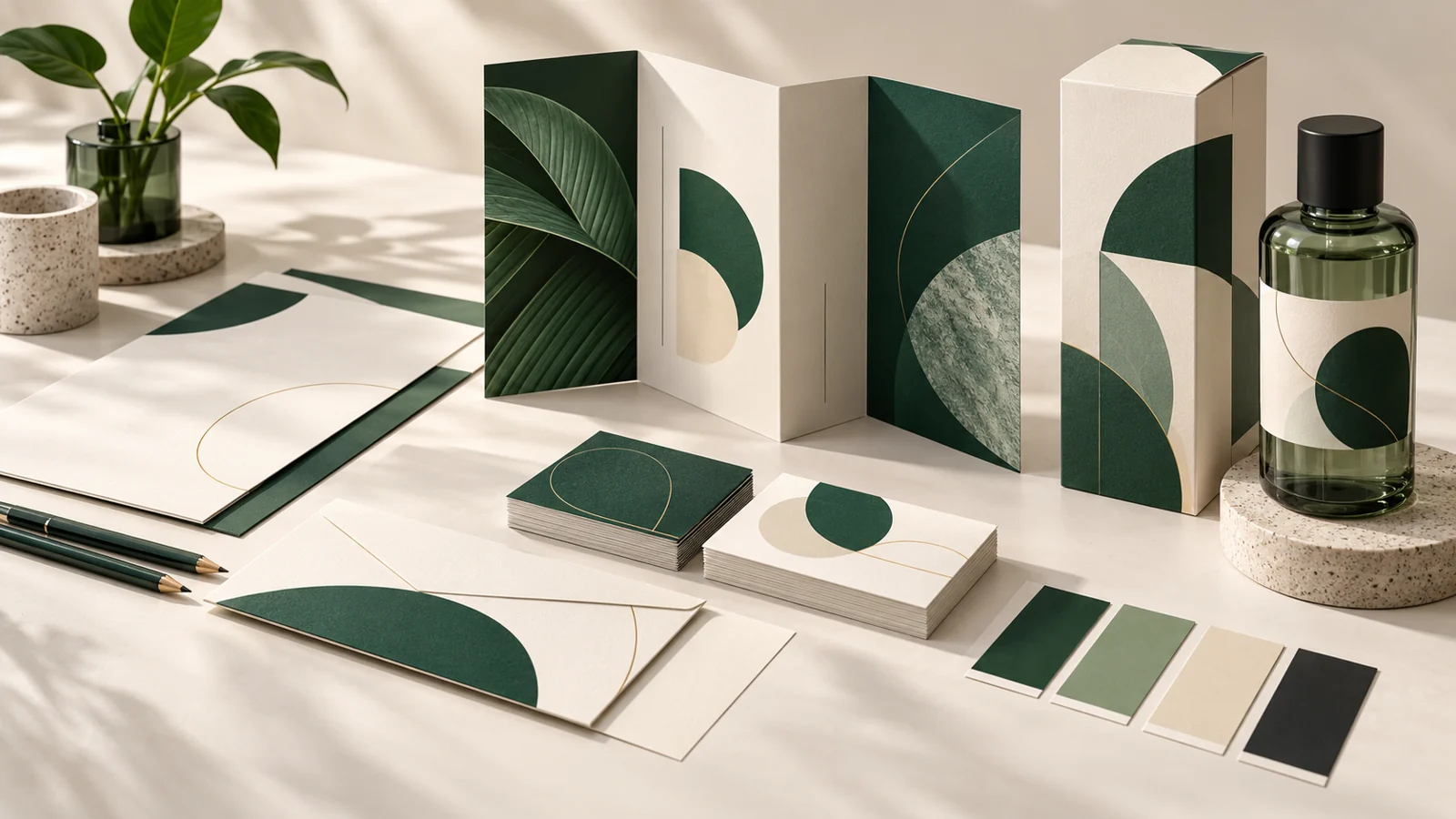
Before printing, confirm the printer's specifications, check all contact details, keep important text within the safe area, and inspect the exported PDF at the final size.
Confirm the print specifications
Ask your printer for the finished dimensions, bleed, safe margins, colour profile and export settings. These depend on the printer and job; do not rely on a universal template setting.
Check the artwork
- Proofread names, phone numbers, email addresses and website URLs.
- Keep logos and important text away from the trim edge.
- Extend backgrounds through the required bleed area.
- Inspect photo quality and avoid stretching small images.
- Check fonts and small text at actual size.
- Scan any QR code from a realistic printed proof.
For matte and spot UV cards
Ask the printer whether the finish is flat spot UV, raised UV or embossing; these are different production processes. Confirm whether a separate finishing mask is needed, how it must be named and aligned, and what minimum detail size is supported.
Approve a proof
Inspect the final exported file, not only the editing document. Check both sides and orientation. For colour-critical or special-finish jobs, request a physical proof or sample where available.
Request business card design support.
Published by Sai Graphic Designs · Madurai, Tamil Nadu
Explore our design services
Planning your next project? Explore these services from Sai Graphic Designs and share your brief for a tailored quote.

Product Label Design
Arrange product identity and approved information clearly on your actual label size.
View service & discuss your project →
Logo Design
Create a clear brand mark for your business and agree on the final vector and web files.
View service & discuss your project →
Social Media Graphics
Create branded promotional posts and campaign graphics for your selected platforms.
View service & discuss your project →Visuals are design concepts. Scope, revisions, delivery dates and final files are confirmed in your quotation.