How to edit a business card CDR file
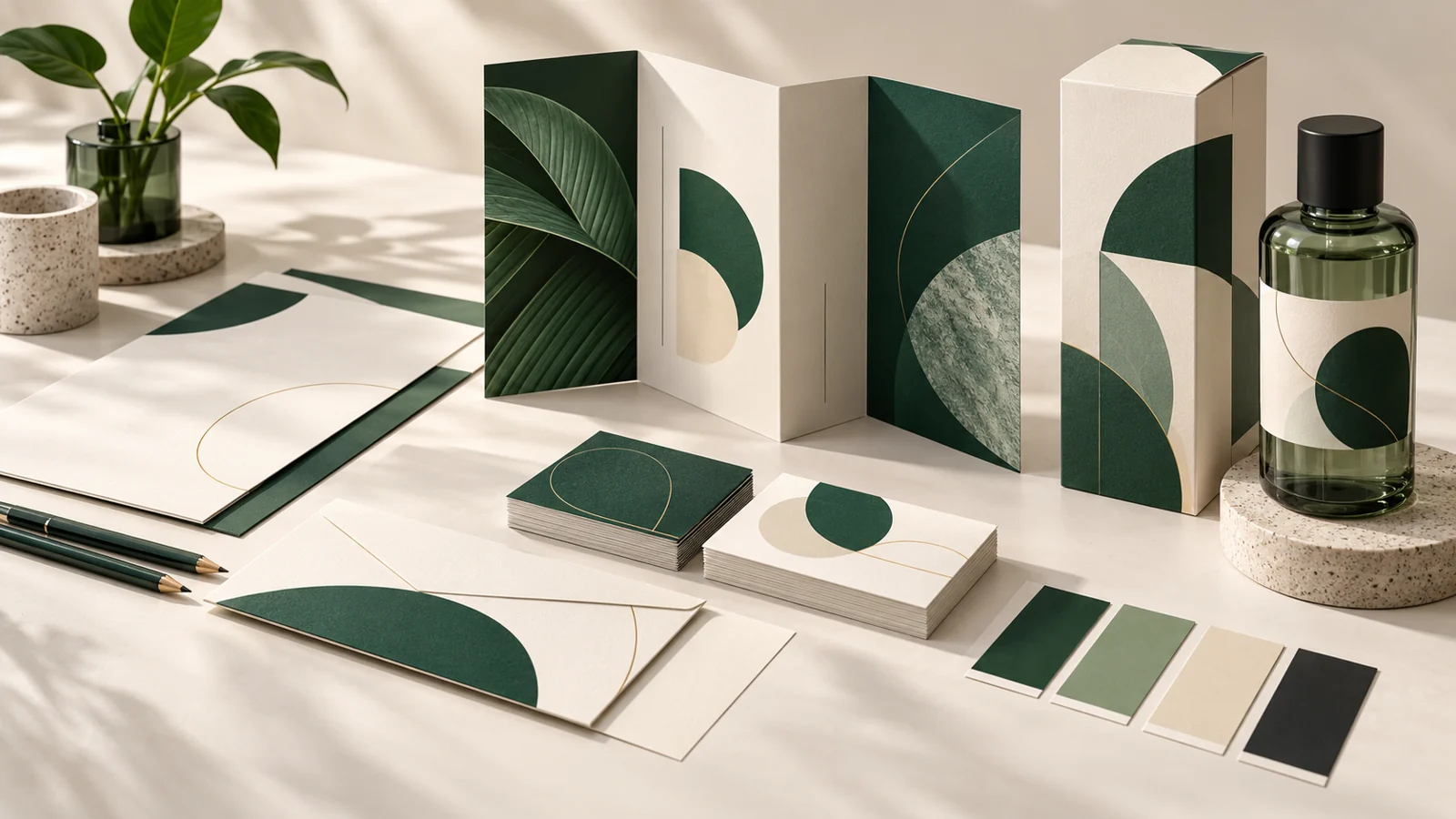
Open the CDR file in a compatible version of CorelDRAW, save a working copy, replace the contact details and logo, then check the layout before exporting a print proof.
Before you start
Check the template's required CorelDRAW version. Keep the original file unchanged and work on a copy. Install any licensed fonts you need, or choose suitable replacements when CorelDRAW reports missing fonts.
Edit the design
- Open the copy and inspect both sides of the card.
- Select the text with the Text tool and replace the name, role, phone, email and address.
- If objects are grouped, select the group and ungroup only what you need. Some lettering may be converted to curves and must be recreated as editable text.
- Import your logo and preserve its proportions. Use a clear, high-resolution or vector asset.
- Check text alignment, spacing and contrast at the actual card size.
Check before exporting
Verify every phone number and spelling. Ask the printer for the finished size, bleed, safe area, colour profile and PDF requirements. Export using those requirements and inspect the PDF separately before approval.
Why can’t I edit the text?
The text may be converted to curves, locked or inside a group. Keep a backup before unlocking or ungrouping. If it is curves, replace it with a new text object using an appropriate font.
Explore editable bundles or request a custom visiting card.
Published by Sai Graphic Designs · Madurai, Tamil Nadu
Explore our design services
Planning your next project? Explore these services from Sai Graphic Designs and share your brief for a tailored quote.

Social Media Graphics
Create branded promotional posts and campaign graphics for your selected platforms.
View service & discuss your project →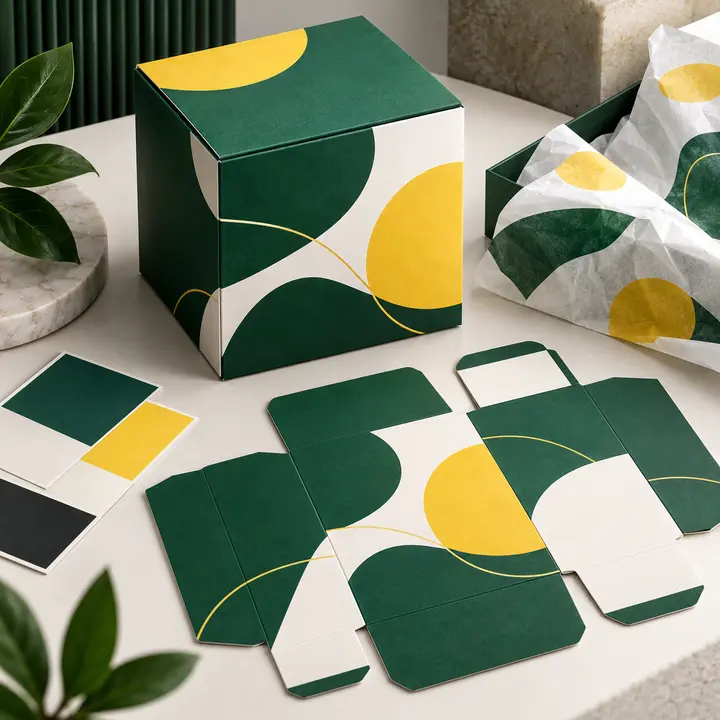
Packaging Design
Build carton, pouch or label artwork around your approved copy and supplier dieline.
View service & discuss your project →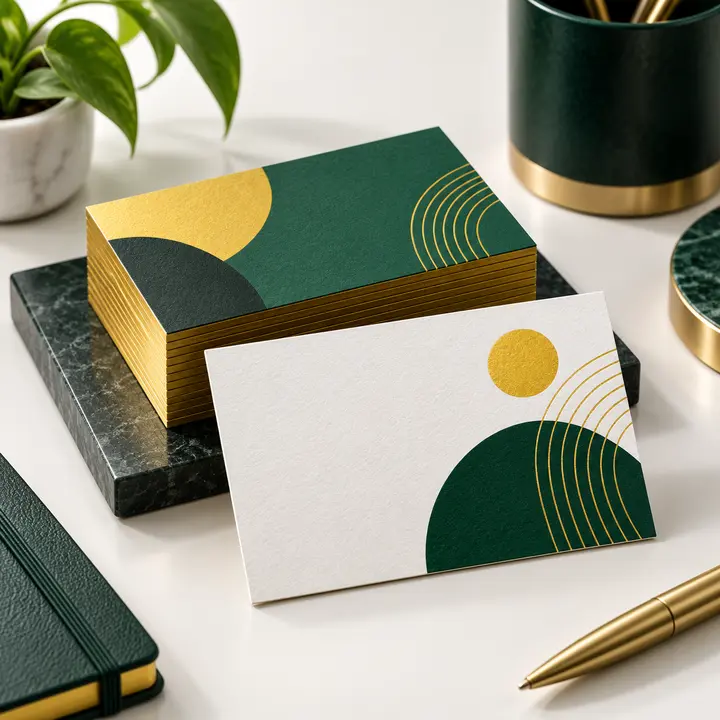
Business Card Design
Prepare a professional card layout using your approved details and printer specifications.
View service & discuss your project →Visuals are design concepts. Scope, revisions, delivery dates and final files are confirmed in your quotation.